Changelog

The main features added to the site, newest first.

Story summaries that don't spoil the ending

Scott's stories used to hide their AI summary behind a spoiler warning, because the summary often gave the ending away. They now get a back-cover blurb instead, written from only the first part of the story, so it can't reveal how it ends.
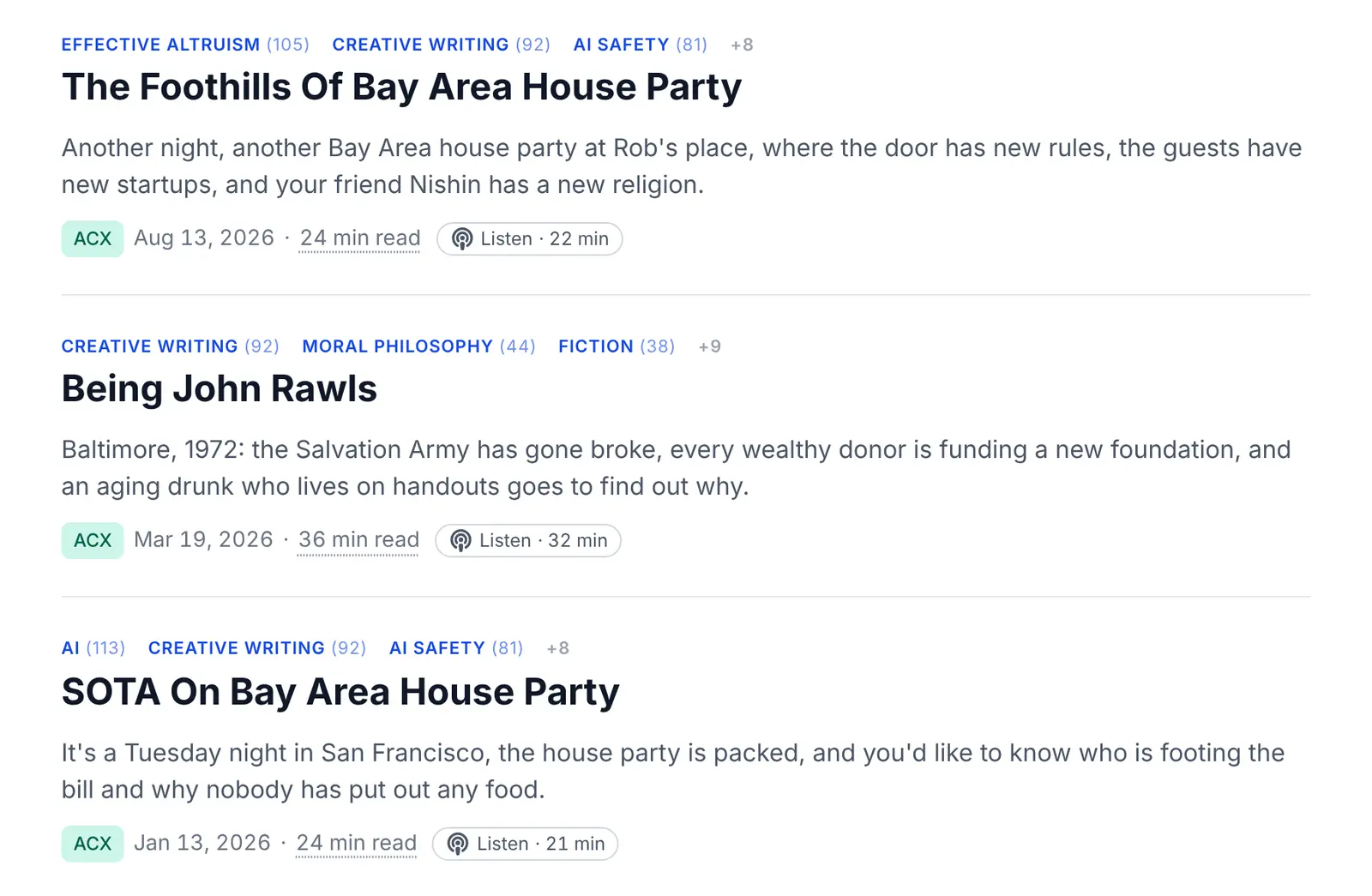
Three of Scott's stories in the posts list, each with a blurb that sets up the story without giving away its ending.

A page to browse reading lists, with upvotes

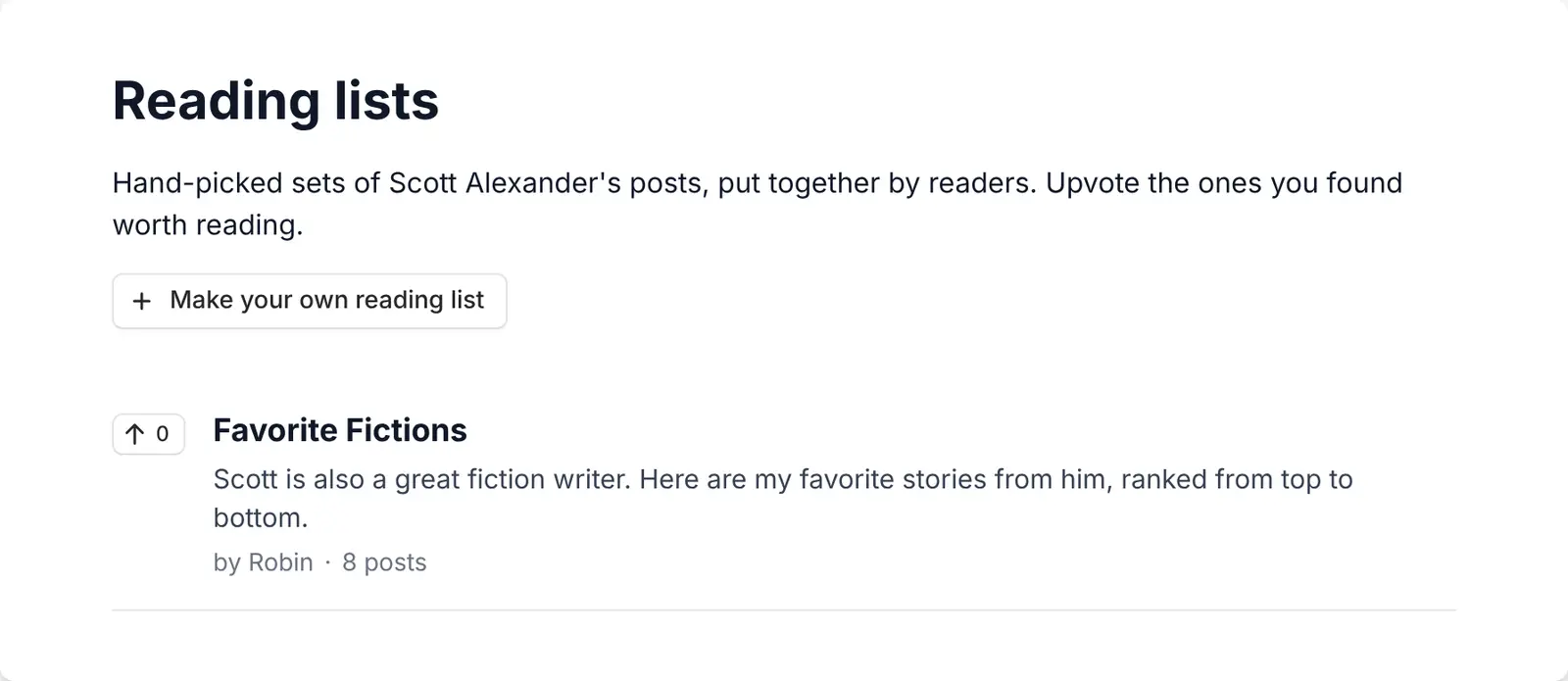
Published reading lists now appear on the Reading lists page, in the Explore menu, where anyone can browse them and upvote the ones they found worth reading. Authors who would rather keep a list to people with the link can untick a box before publishing.

The Reading lists page, with an upvote button next to each list.

Email alerts for new posts matching a search

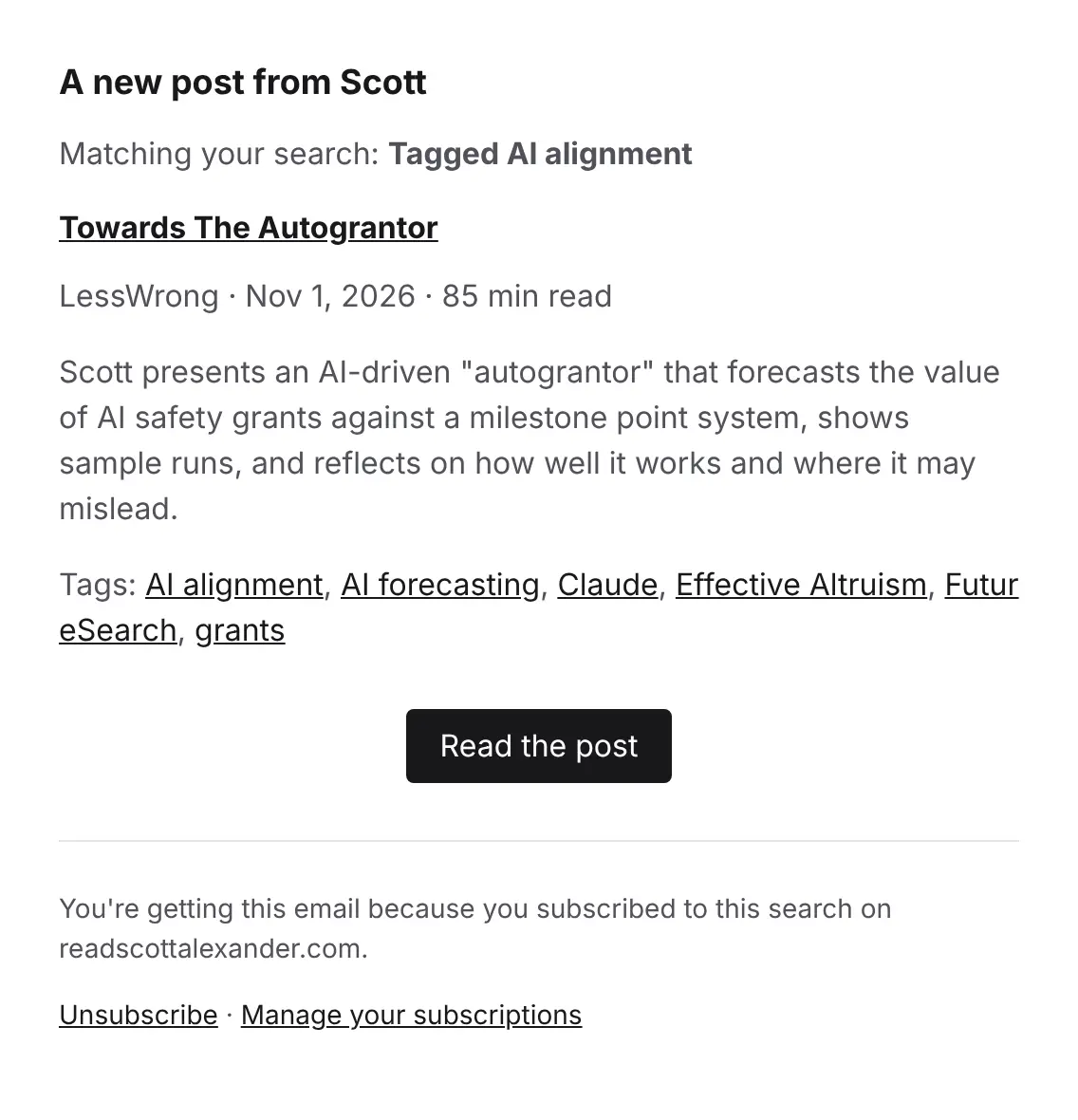
The Subscribe button above the results follows your search and its filters: when Scott publishes a new post that matches it, you get an email within the hour. Each post is only emailed once, and every email has a one-click unsubscribe link.

An email announcing a new post from Scott that matches the reader's search, with its summary and tags.

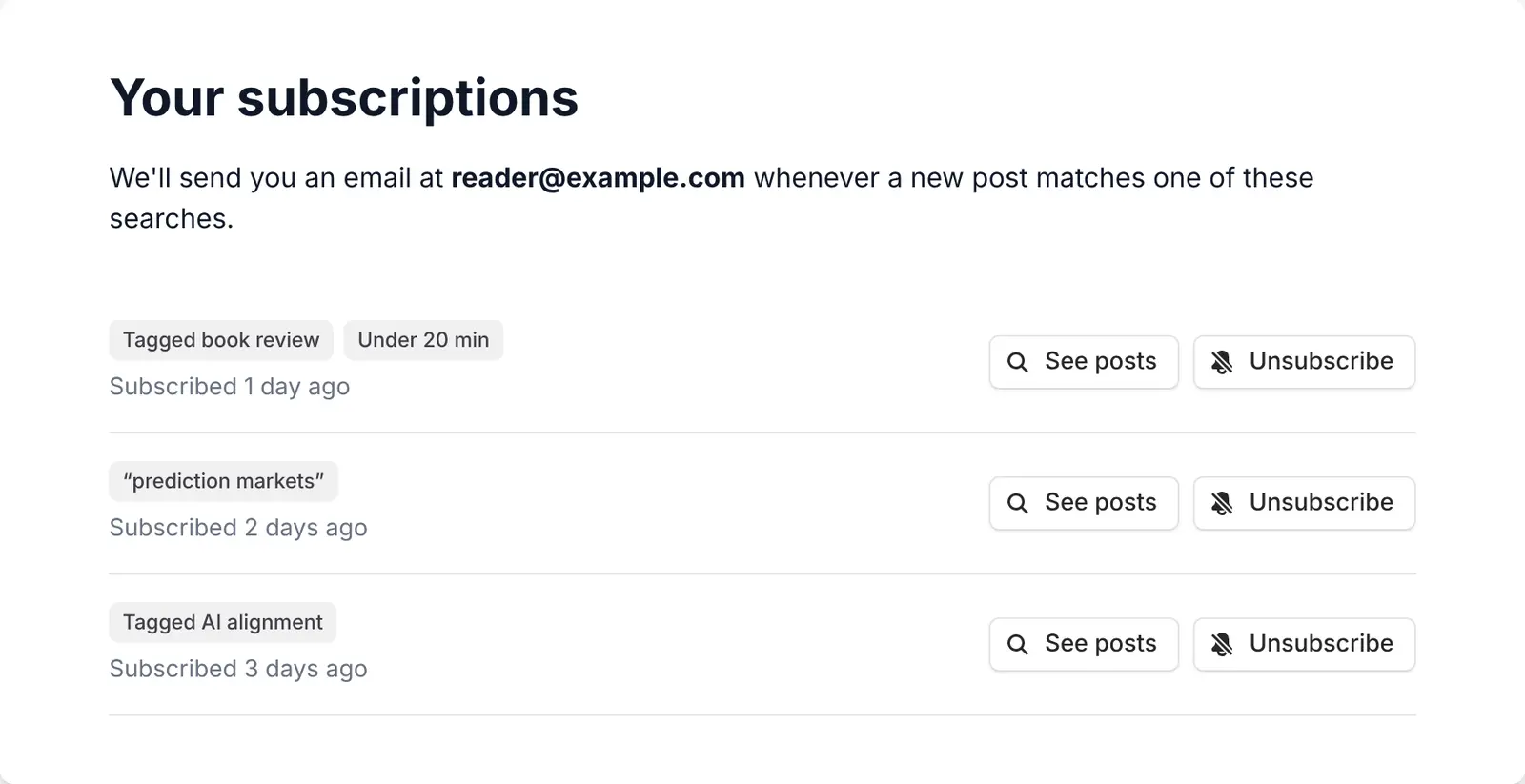
You can see and stop the searches you follow on the Your subscriptions page.

The Your subscriptions page, listing three searches with buttons to see their posts or unsubscribe.

Reading lists

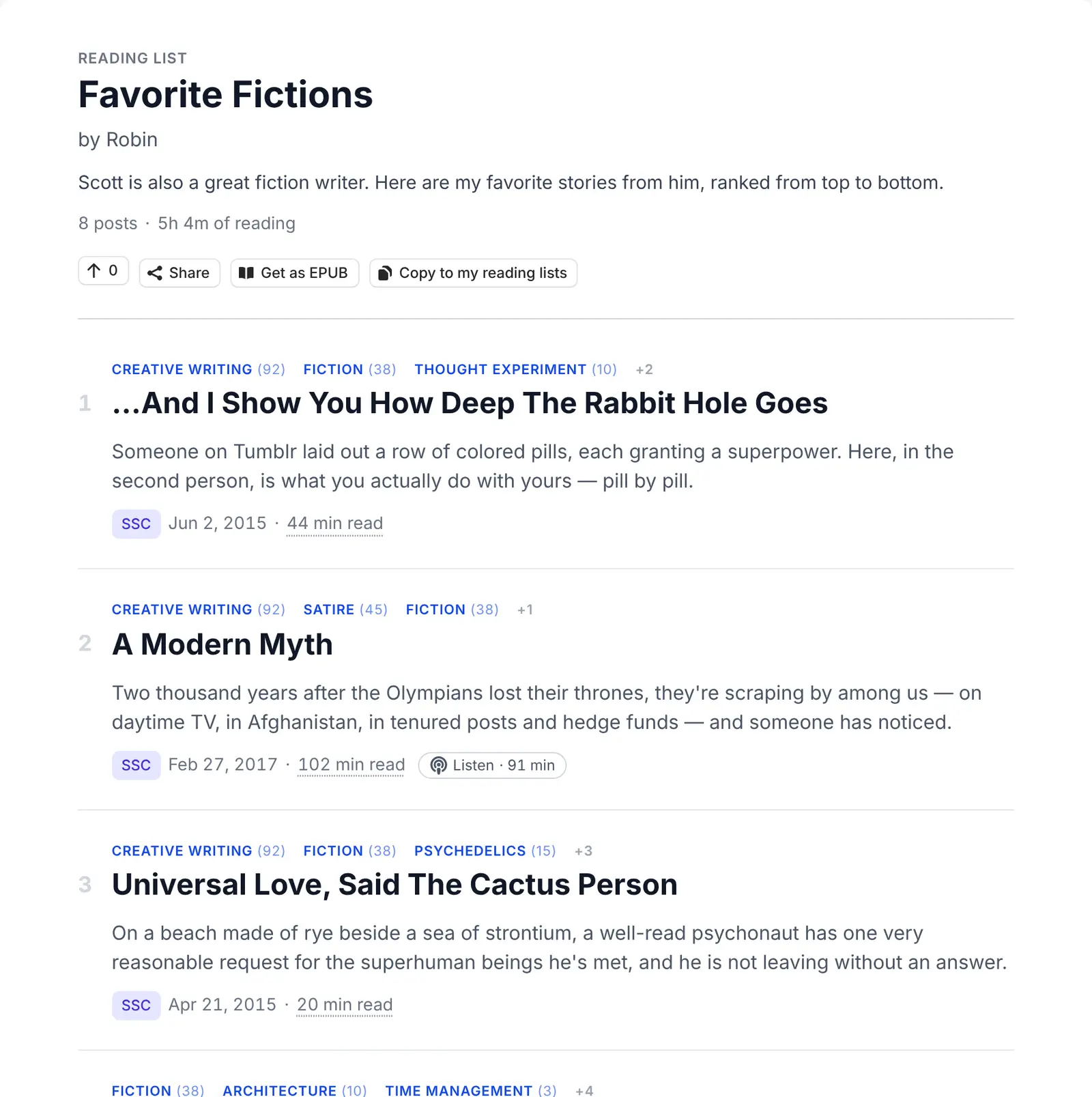
Put together a hand-picked, ordered list of posts, with a description and a note for each post, and share it with a link: for example to tell a friend where to start with Scott. Anyone can copy a list to make it their own, or get it as an EPUB to read on an e-reader. No account needed to make your own.

A reader's reading list of their favorite stories by Scott, with its description, its posts in order, and buttons to share it, get it as an EPUB or copy it.

Opened is no longer the same as read

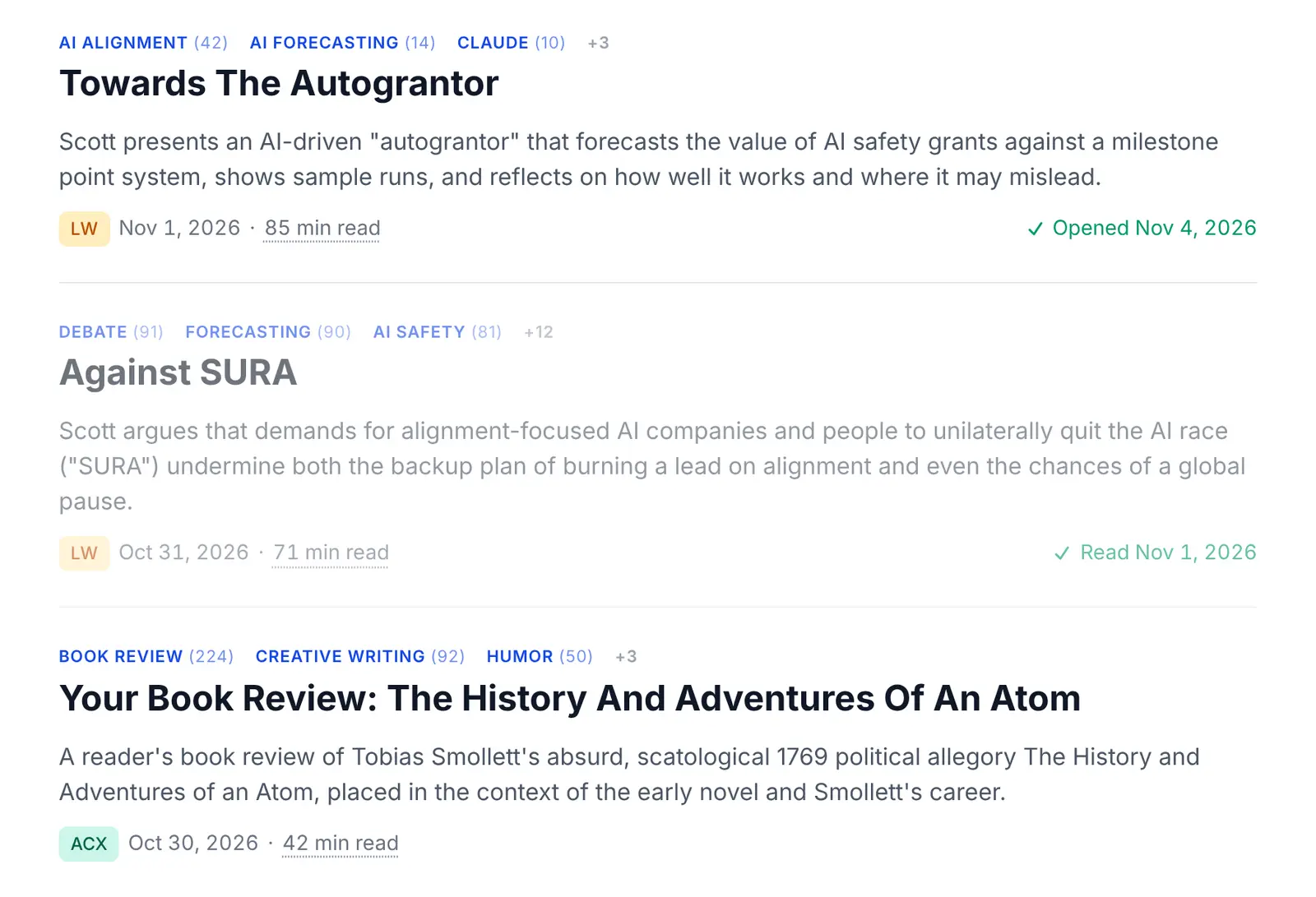
Opening a post now marks it as opened, and it only counts as read once you scroll through 30% of it or click Mark as read. The posts list shows which posts you opened or read and when, and the filters can show only the unopened, opened or read ones. Readers with an account can also sort posts by when they opened them.

The posts list with an Opened badge on one post and a Read badge on a greyed-out one.

Install the site as an app

You can add the site to your home screen and open it like an app, full screen without the browser bar. On phones, a small card offers it after a few visits, and the menu has an Add to home screen entry. On desktop, the install button sits next to the dark mode toggle.

The site on an iPhone, with a card at the bottom explaining how to add it to the home screen.

See how Scott edited a post

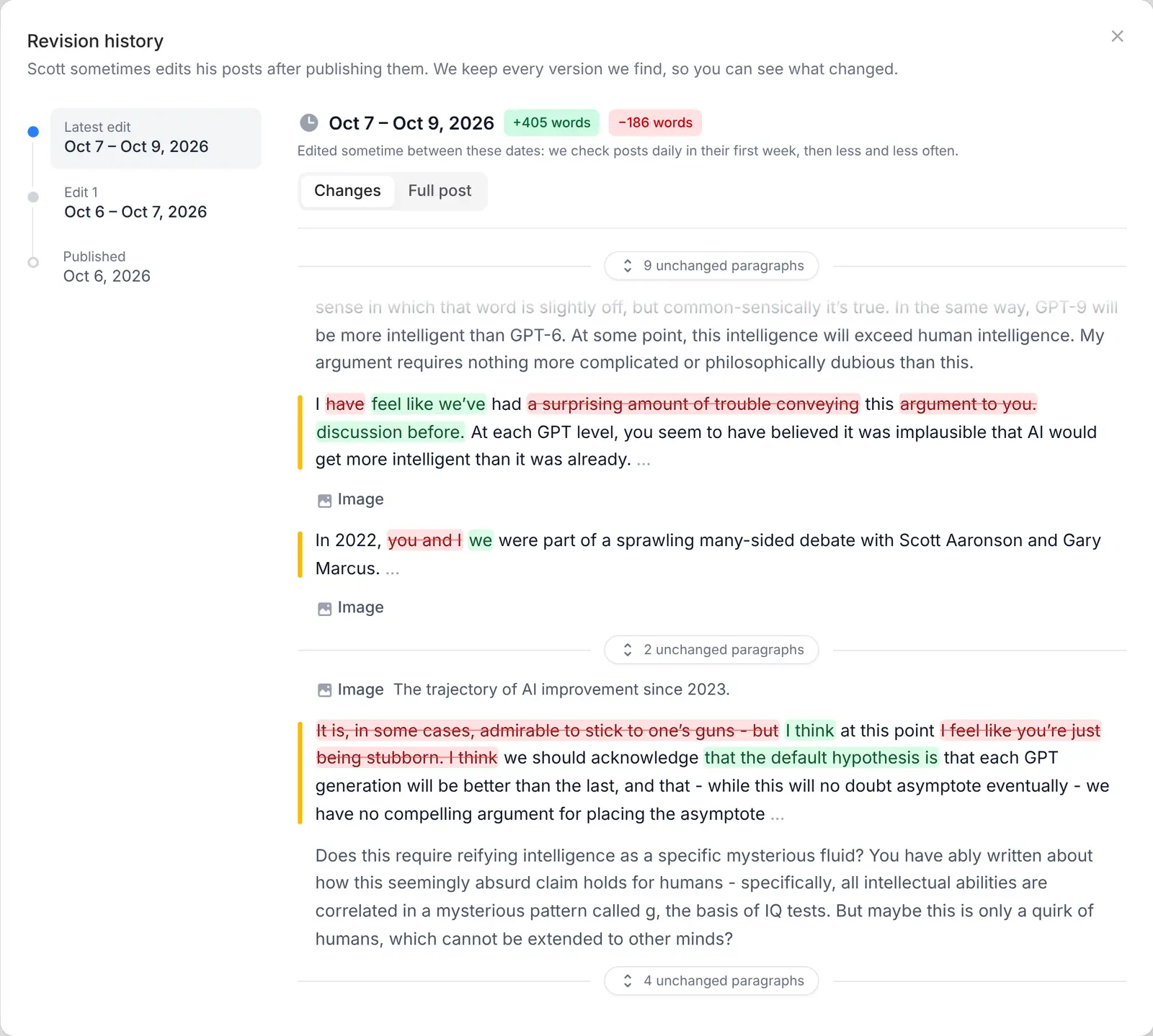
Scott sometimes edits his posts after publishing them. Those posts now have a History button that lists each edit, dated as precisely as our checks allow, and highlights the words that were added or removed. The Has history filter, under More filters, finds every post that changed.

The revision history of a post, with its edits listed on the left and the added and removed words highlighted in green and red.

Scott's LessWrong posts

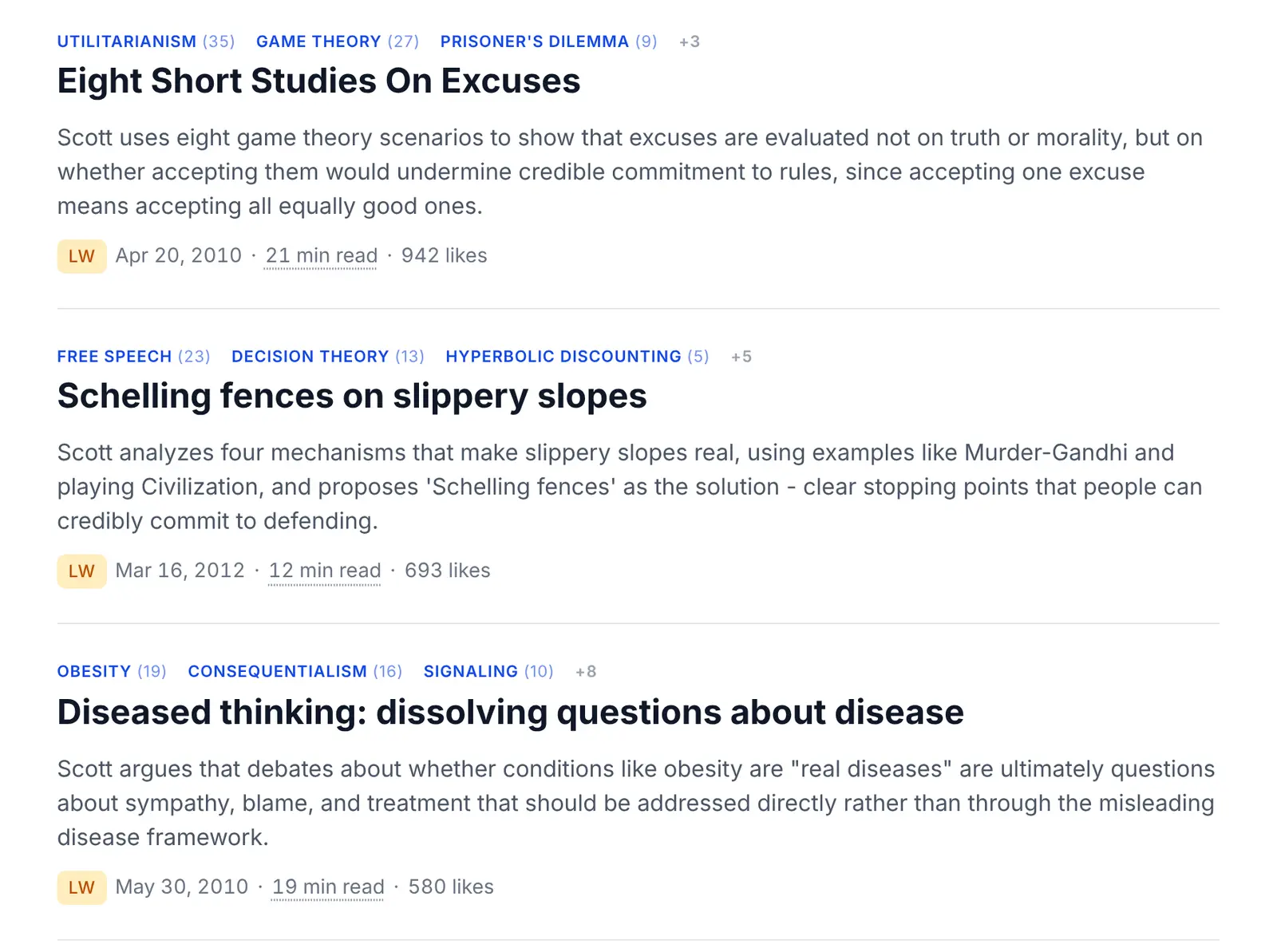
The posts Scott first published on LessWrong are now on the site too, with an LW badge and their own blog filter. When an SSC or ACX post was also posted on LessWrong, its page links to the LessWrong comments instead of listing the post twice.

Scott's most liked LessWrong posts in the posts list, each with an LW badge.

Share cards for every post

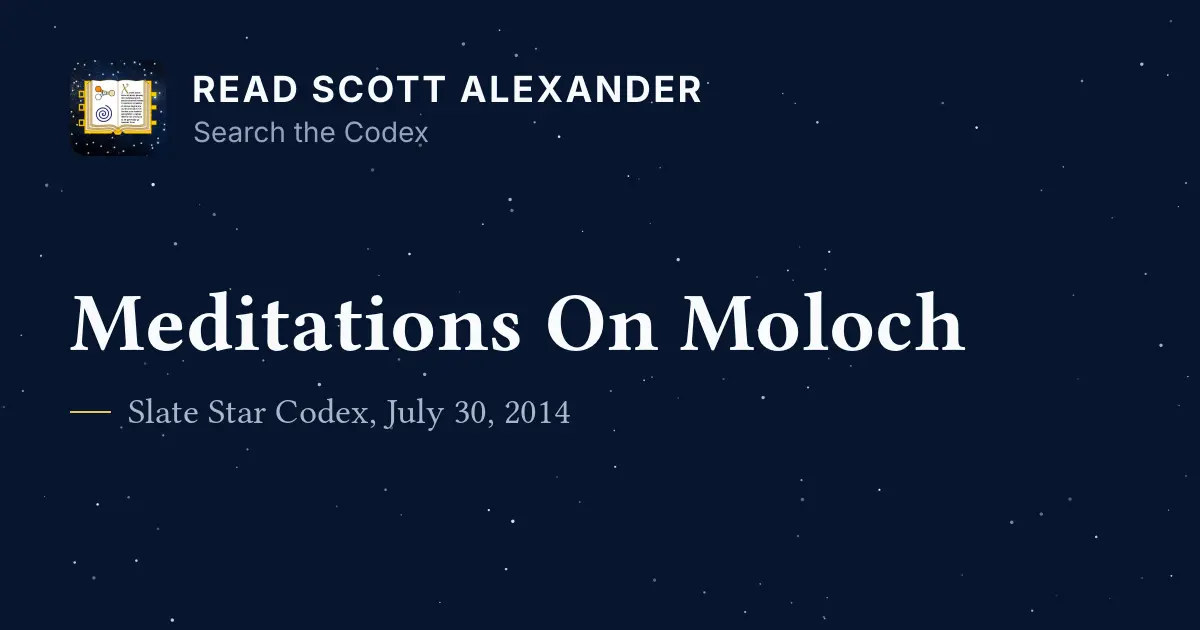
A link to a post shared on social media or in a messaging app now shows the post's own card, instead of the same image for every post: its title in a serif font, its blog and date, and the site's logo. The bottom of the card is left free for the label X puts over it.

The share card of Meditations On Moloch, with the site's logo, the title in a serif font and Slate Star Codex, July 30, 2014 below it.

A lighter design for search, the posts list and articles

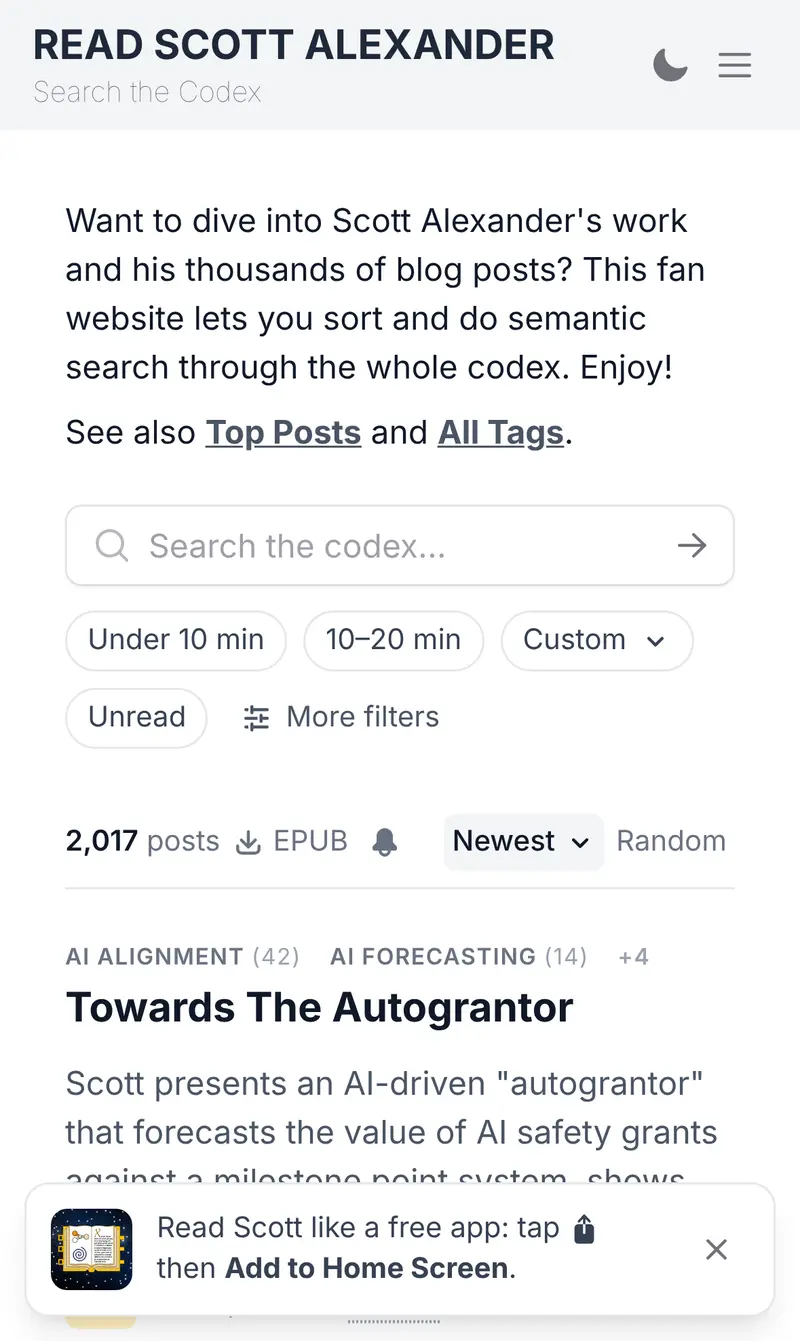
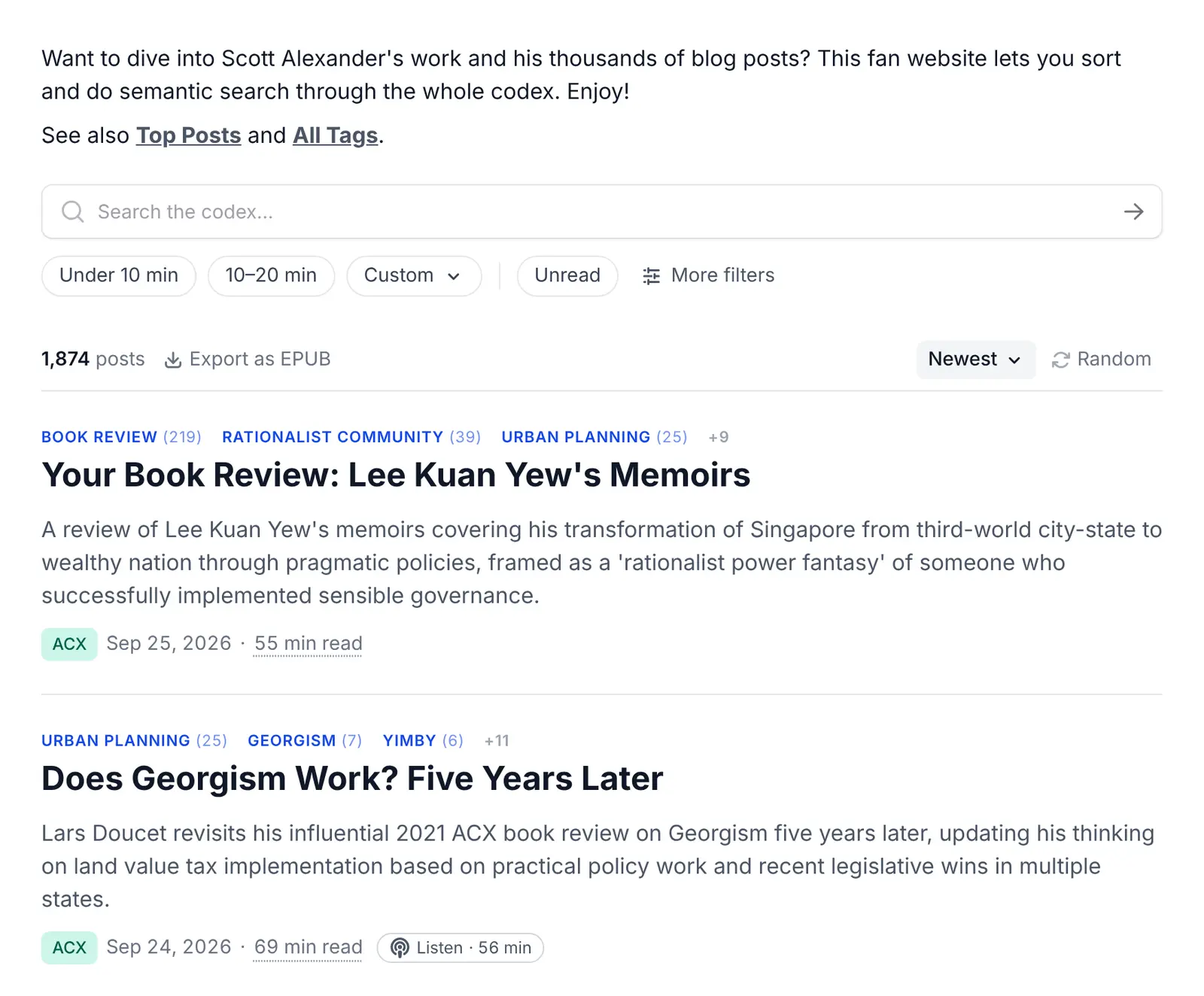
The search, the posts list and the article page were redesigned to be easier to take in. The everyday filters sit under the search bar as chips, with the rest behind More filters, and sorting moved next to the post count. Each post in the list shows its tags above its title and a summary of up to three lines.

The home page, with the search bar, the filter chips under it and the first posts of the list.

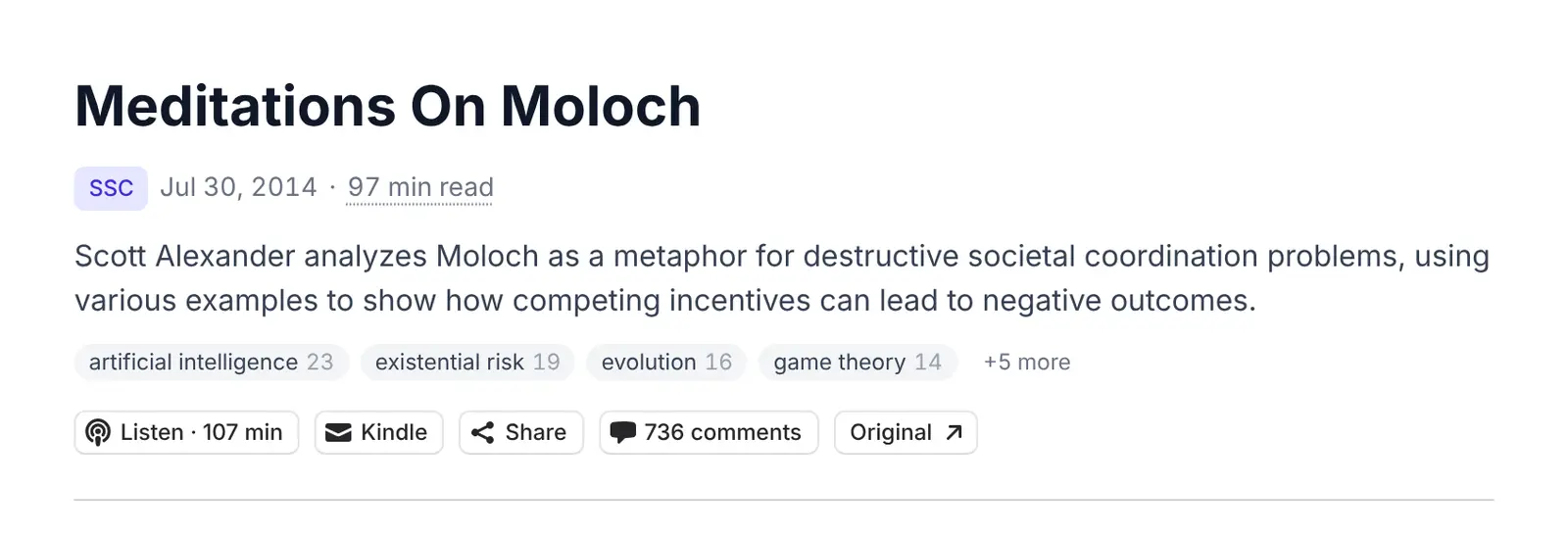
The article header fits the byline, summary, tags and actions in a few compact lines.

The header of Meditations On Moloch, with its byline, summary, tags and a row of compact buttons.

Short links for sharing posts

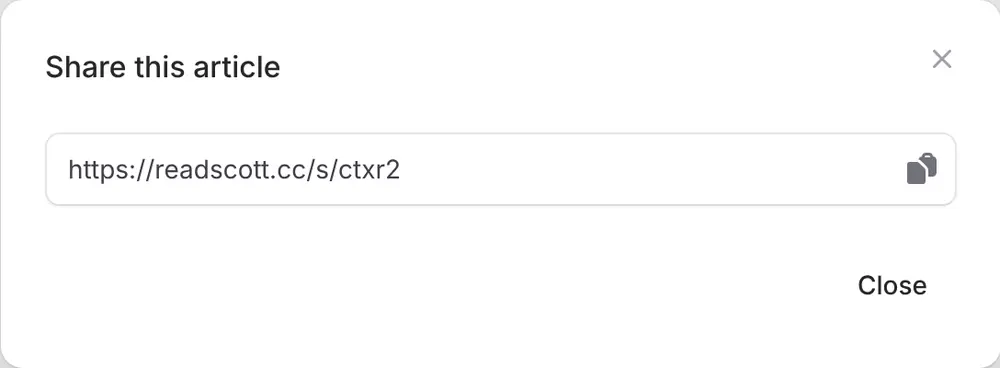
The Share button on each post gives you a short link that's easy to paste in a message, and opens your device's share menu when it has one.

The share modal of a post, with its short link and a button to copy it.

Find the posts that link to a site

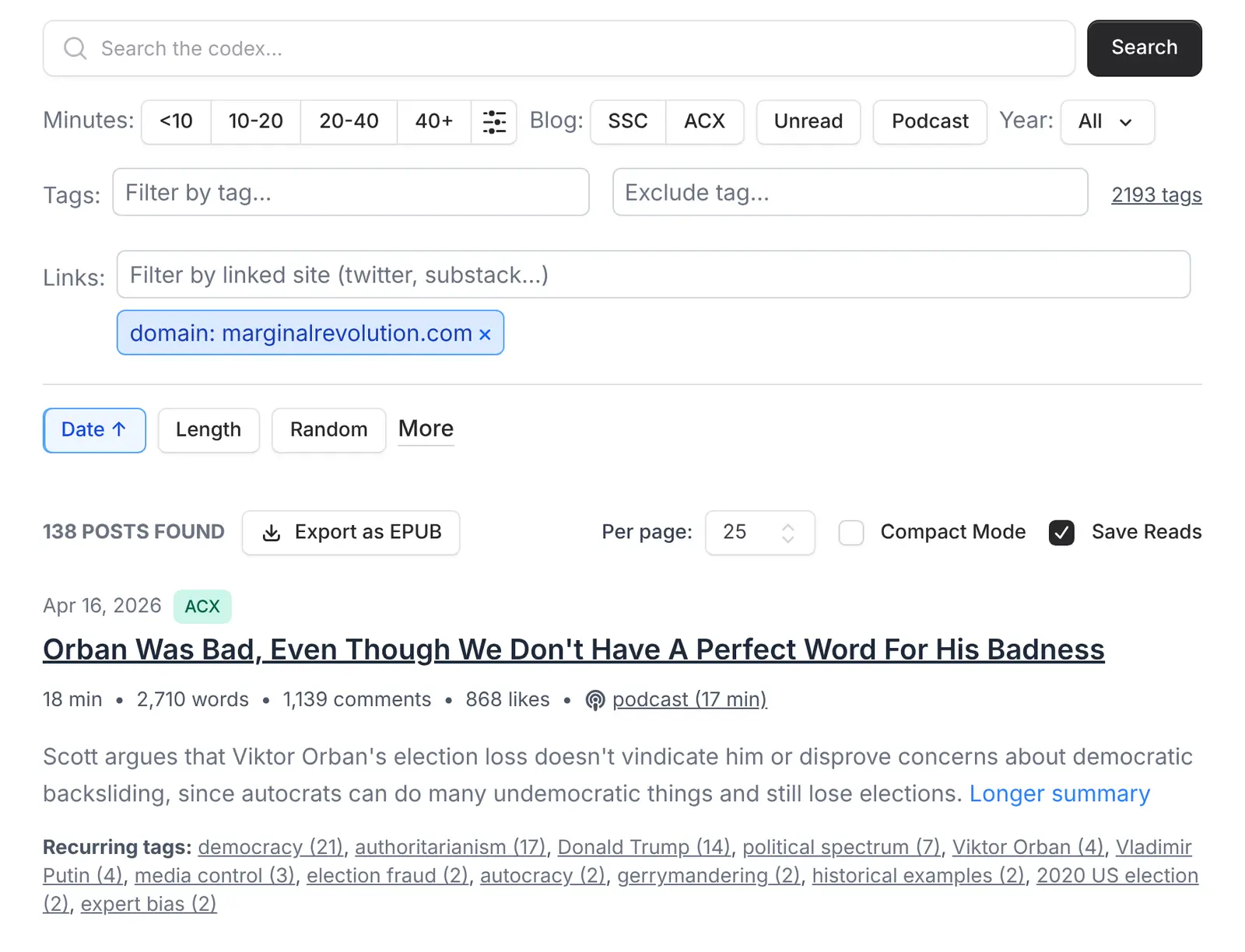
The Links to filter, under More filters, finds the posts that link to a website, a Twitter account, a substack or a subreddit: for example every post that links to Marginal Revolution.

The Links filter set to marginalrevolution.com, above the posts that link there.

Link stats: the sites Scott links to

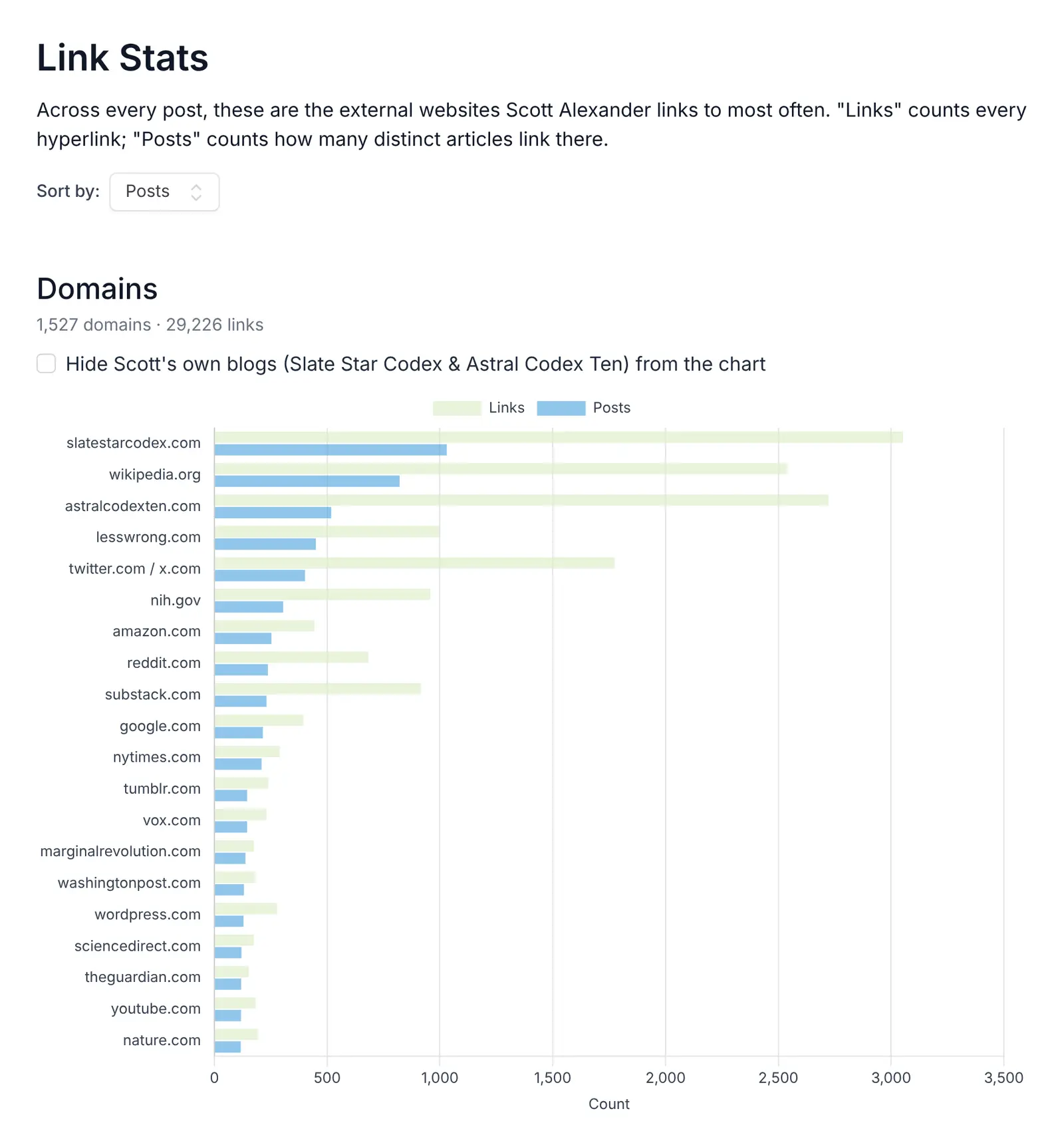
A new Link stats page ranks the websites Scott links to most, along with the Twitter accounts, substacks, subreddits and WordPress blogs he links to. Each count leads to the posts behind it.

The Link stats page, with a bar chart of the domains Scott links to most, led by his own blogs, Wikipedia and LessWrong.

Send a post to your Kindle or e-reader

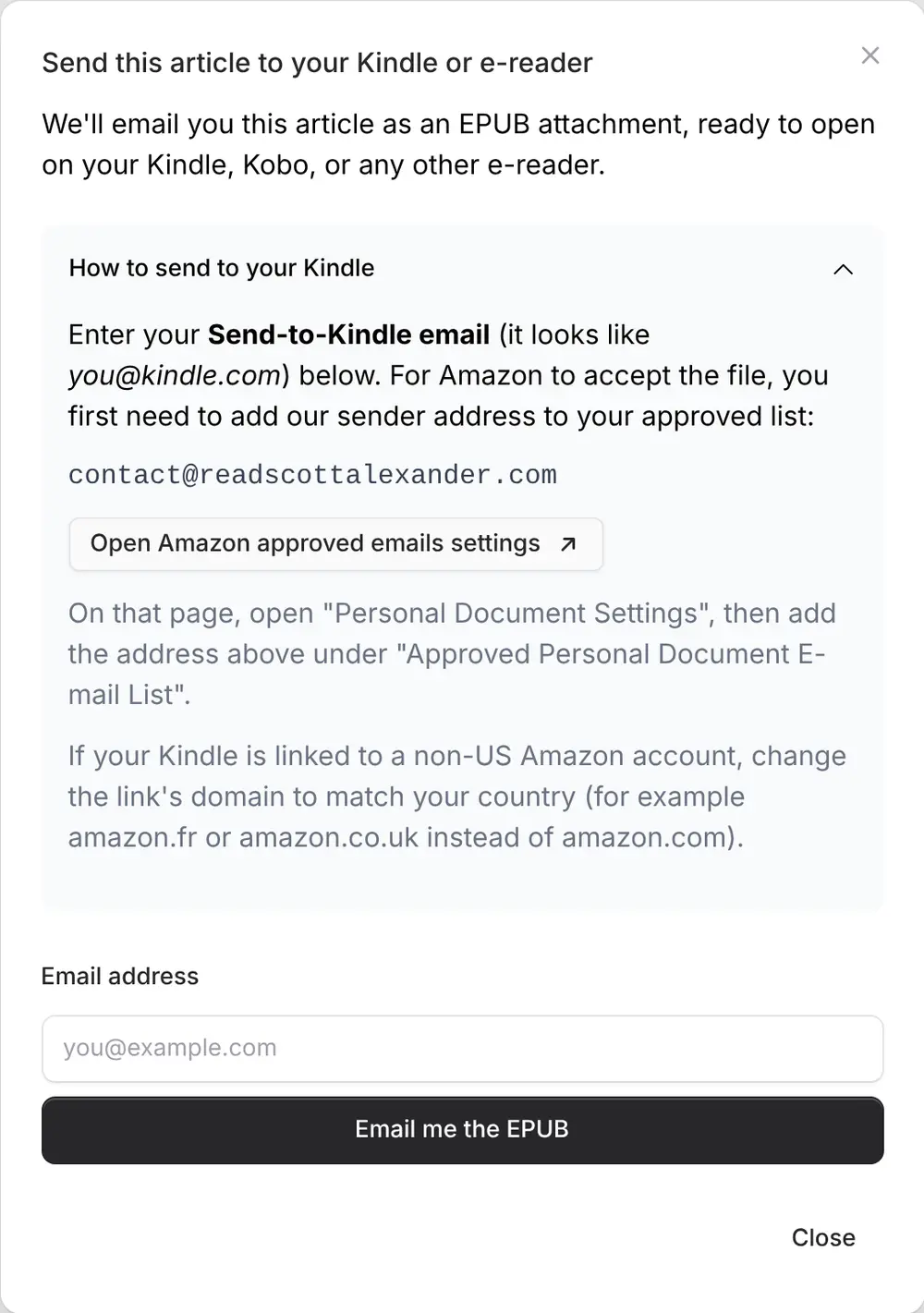
The Kindle button on each post emails it to you as an EPUB, ready to open on a Kindle, a Kobo or any other e-reader. Give it your Send-to-Kindle address and the post lands straight on your Kindle: the modal walks you through allowing our address on Amazon first.

The Send to Kindle modal, with the steps to allow our address on Amazon and a field for the email address.

Export your search as an EPUB

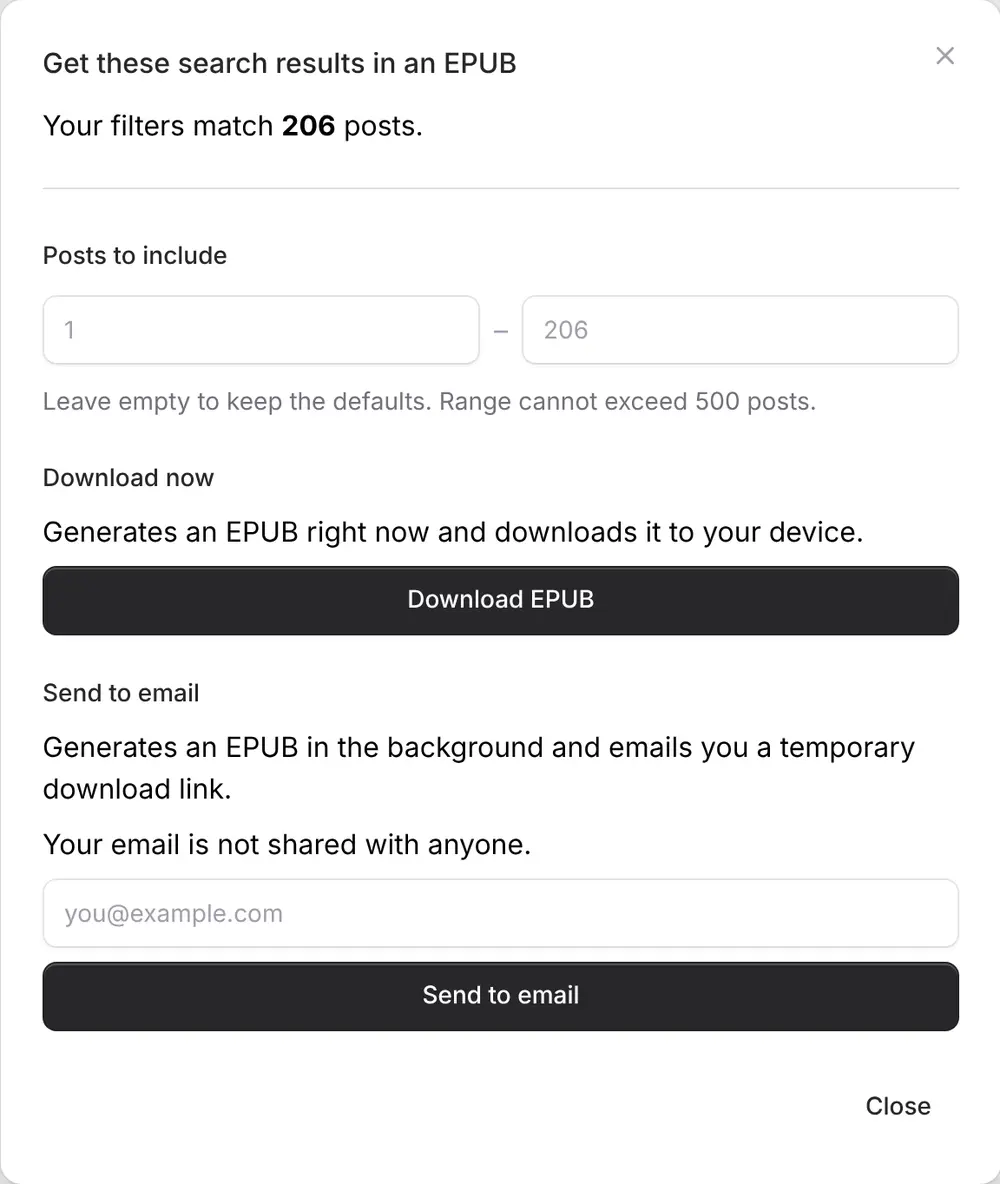
The Export as EPUB button above the posts list turns the posts matching your search into a single e-book, images included, to read offline on a Kindle, a Kobo or any other e-reader: every book review, say, or a whole year of Scott. Download it right away, or get a download link by email.

The Export as EPUB modal, with the number of posts matching the search, a range of posts to include, and buttons to download the EPUB or send it by email.
Enjoying this website? You can donate to support it! You can also check out my Book Translator tool.